Installation
We recommend installing DroneManager in its own virtual environment: https://docs.python.org/3/library/venv.html
Clone this repository
Move into the root directory of the repository
On Windows only:
python windows_setup.pyInstall with pip:
pip install --upgrade pip
pip install -e .
Note
The additional script on windows is required to install MSVC and the MAVSDK Server binary, which isn’t shipped with the installation.
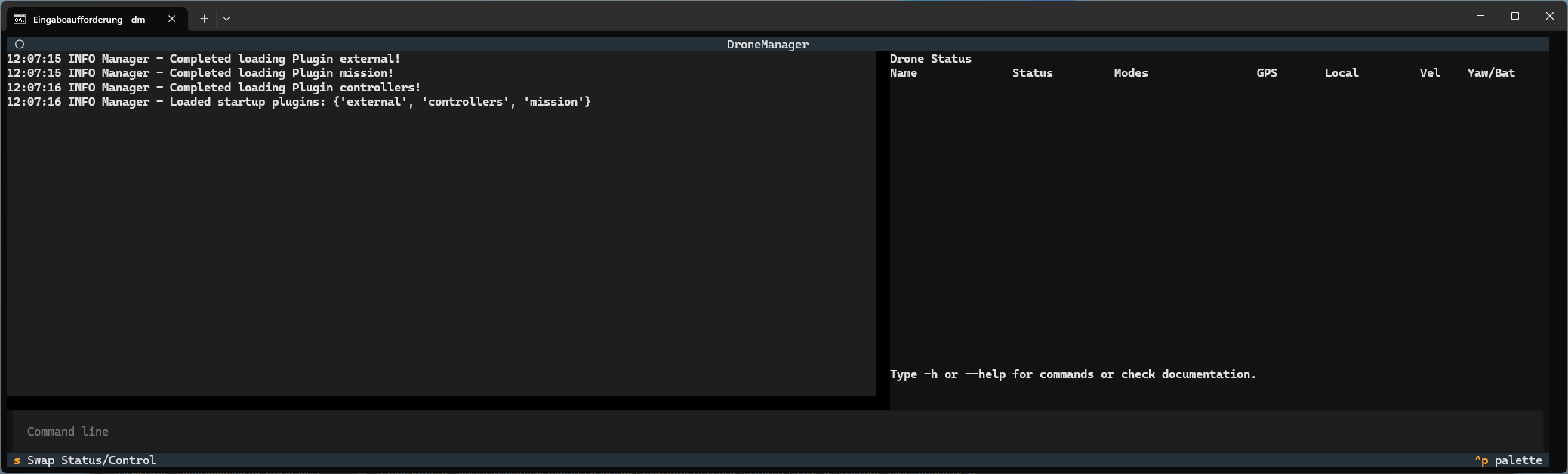
After installation, DroneManager can be started by typing “dm” in a terminal with the venv active. The first start-up can take a few moments, and then you should have a blank instance of DroneManager to work with!
Simulated Drones
It is often more convenient to work with simulated drones, rather than real ones. DroneManager should work with any simulation that also supports MAVLink. We use the PX4 Gazebo SITL, which can be installed on Ubuntu or in Windows WSL following the instructions here.
For a WSL install, we recommend mirrored networking, with the Windows firewall configured to allow traffic from WSL. Connecting between Gazebo and DroneManager then works as if both were running on the same OS.
PX4 SITL also supports multi drones in one environment, please refer to their documentation for details.